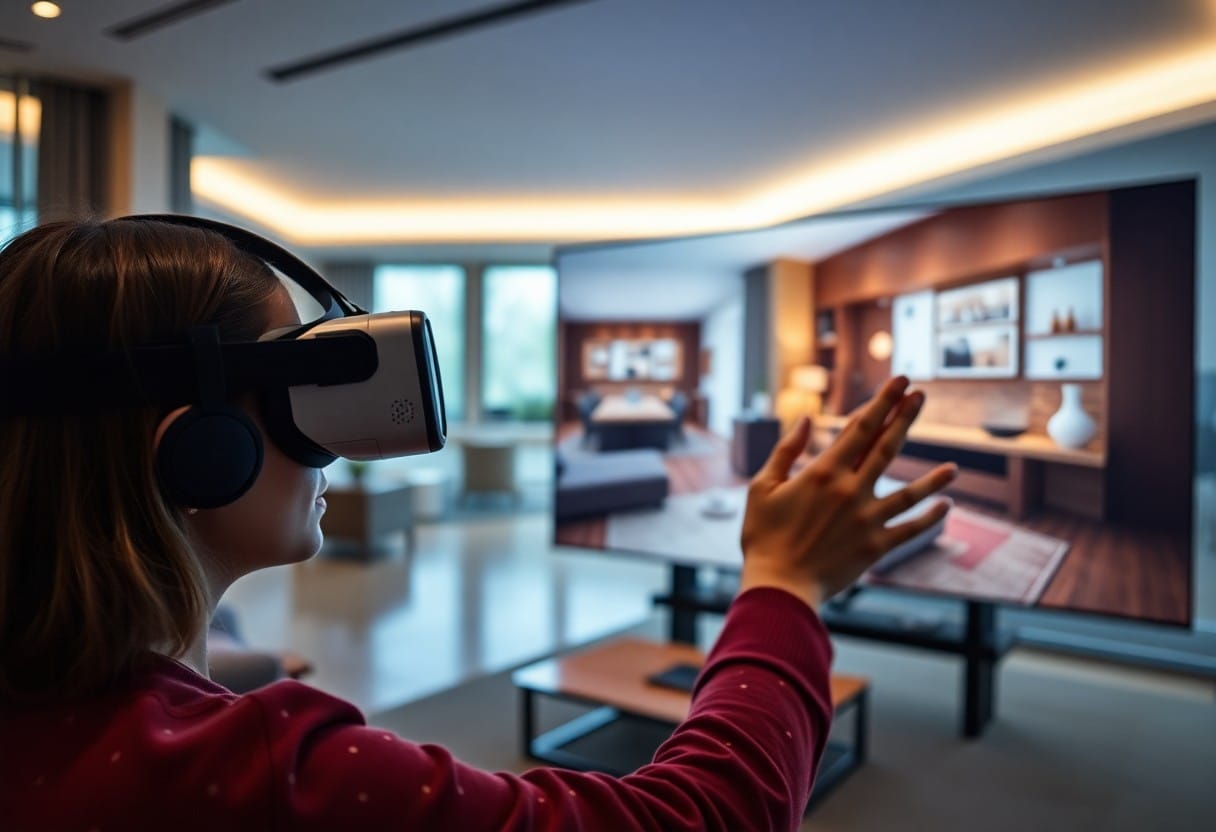
Over the years, 360° virtual tours have become increasingly popular for showcasing properties and experiences. You may wonder if you can zoom in and out during these immersive experiences. While most platforms offer this feature to enhance your viewing experience, some may have limitations. It’s vital to check the specific software or tour provider to understand how you can interact with the environment effectively. Your ability to explore in detail can significantly impact how you engage with the content.

While 360° virtual tours have transformed the way you explore spaces, they also offer immersive experiences that mimic real-life navigation. These tours utilise panoramic imagery and interactive elements, allowing you to experience environments as if you were physically present, whether you're exploring properties, museums, or travel destinations.
At their core, 360° virtual tours allow you to navigate through a space interactively, giving you control over your viewing angle and perspective. Their primary purpose is to provide an engaging way for you to experience locations without having to be there in person, making them particularly beneficial in real estate, education, and tourism.
Understanding the technology behind 360° virtual tours is necessary for grasping their functionality. Advanced image stitching techniques and panoramic cameras are often employed to capture the entirety of a space, creating a seamless visual experience. These elements combine with interactive software, allowing you to navigate freely through the environment with clicks or swipes.
Tours integrate several sophisticated technologies to create an engaging experience. The use of 360-degree cameras captures images from all directions, while virtual reality (VR) features can enhance immersion. By leveraging these technologies, you can view spaces in remarkable detail. The combination of interactive hotspots can offer additional information, turning standard exploration into an informative adventure. As you engage with the tour, the experience becomes not just visual but also highly informative, elevating your understanding of the space you are exploring.
One of the key features of 360° virtual tours is the ability to zoom in and out, allowing you to explore spaces more intimately. This functionality enhances the experience by enabling you to focus on specific details that may be missed at a standard viewing distance. Whether you are examining intricate architectural elements or appreciating fine art, zooming offers a more personalised exploration of your surroundings.
To zoom in on a 360° virtual tour, you can typically use your mouse scroll wheel or pinch gestures on touch devices. This functionality allows you to magnify specific areas of the scene, providing a clearer overview of the environment. Consequently, you gain a better perspective on the layout and features of the space.
Functionality such as zooming significantly enhances your interaction with virtual tours. It allows you to investigate deeper into the visuals, fostering a more engaging and immersive experience. The ability to zoom in on specific elements means you can appreciate the finer details and gain a deeper understanding of the environment you are exploring.
A well-implemented zoom feature can transform a virtual tour from a basic overview to an immersive journey. This capability enables you to focus on aspects that interest you most, promoting a sense of presence within the space. Additionally, you may find that zooming enhances your overall satisfaction with the virtual experience, allowing for a tailored exploration that meets your unique preferences. Without an effective zoom function, you might miss out on important elements and potentially diminish the tour's impact.
Not all 360° virtual tours offer intuitive user interfaces, which can make navigation a bit challenging. You'll want to ensure that the platform you choose allows for seamless movement throughout the tour, including options for zooming in and out. A well-designed interface should enhance your overall experience, providing you with the tools necessary to explore every detail of your virtual surroundings.
Above the typical navigation arrows and drag controls, common zoom features often include pinch-to-zoom gestures for touch devices or scroll wheel functionality for desktops. Some platforms also offer dedicated zoom buttons, allowing you to adjust your view with precision. Familiarising yourself with these tools can significantly enhance your virtual tour experience.
Interface design plays a vital role in accessibility for all users. Features such as zoom functions should cater to individuals with varying visual capabilities, ensuring that everyone can appreciate the rich details in a 360° virtual tour. You may find it beneficial if the controls are simple and easy to locate, allowing you to navigate without frustration.
It is imperative to prioritise accessibility when engaging with 360° virtual tours. By incorporating features like keyboard navigation, screen reader compatibility, and adjustable interface settings, platforms can provide a more inclusive experience. Recall, that a well-designed tour not only enhances your engagement but also ensures that individuals with disabilities can equally explore and enjoy the virtual space, promoting a more equitable experience for all users.
Keep in mind that 360° virtual tours can vary in performance depending on the device you use. Whether you're on a mobile, tablet, or desktop, the functionality and clarity of the tour might differ. It's vital to ensure that your device is compatible and updated to get the best experience, as older models may struggle to deliver smooth interactions.
Before you investigate a virtual tour, consider how it will feel on different devices. While mobile experiences offer flexibility and convenience, desktop setups often provide a larger screen and more control, allowing for more detailed exploration. Your choice of device can significantly impact how immersive and enjoyable the tour is.
After selecting your device, be aware of its browser capabilities. Different web browsers support 360° content to varying degrees, which can affect load times and interactivity. Ensuring you're using an updated version of a compatible browser is vital for a seamless experience.
This is particularly important as not all browsers handle 360° content in the same way. For optimal performance, you should opt for browsers like Chrome or Firefox, which generally offer strong support. However, be cautious, as some browsers may have limitations on handling certain VR features, which can lead to a compromised viewing experience. Always check for updates and ensure your browser settings allow for full functionality of 360° virtual tours to maximise your enjoyment.
Unlike traditional panoramic views, the ability to zoom in and out enhances your experience in virtual tours. This function allows you to explore intricate details and gain a profound understanding of your surroundings. Whether it’s a business or leisure exploration, zooming capabilities significantly enrich your engagement and interaction with the digital environment.
Practical applications of zoom in virtual tours are especially evident in real estate and property showcases. With this feature, you can thoroughly inspect properties, noting features and layouts up close, which aids in making informed decisions without needing to visit in person.
Tours of museums and educational institutions benefit greatly from zoom functionalities. You can investigate artwork, historical artefacts, and exhibits in detail from the comfort of your home.
Indeed, when engaging with virtual museum tours, zooming allows for a comprehensive exploration of artistic details and historical significance in a way that static images or standard video cannot provide. This interactive experience fosters a deeper connection between you and the exhibits. By observing unique features that might go unnoticed otherwise, you enhance your learning experience, immersing yourself in educational content that is both entertaining and informative.
All indications suggest that the future of 360° virtual tours will see enhanced interactivity and improved user experiences. Innovations in Zoom functionality will allow you to explore spaces in greater detail than ever before, making the virtual experience feel more realistic and engaging.
At the forefront of 360° virtual tours, advancements in zoom technology are set to redefine how you interact with environments. Enhanced resolution and user-friendly interfaces will elevate your ability to examine intricate details, making the virtual exploration both informative and immersive.
One emerging trend is the integration of augmented reality (AR) with 360° virtual tours. This technology allows you to layer digital information over real-world visuals, enhancing your understanding of spaces.
Tours enriched with AR can provide interactive features such as contextual information about objects or locations, making your experience significantly more immersive. This blend of real and virtual worlds not only delivers interesting insights but also fosters a deeper connection to the surroundings you are exploring, ultimately transforming how you perceive and interpret environments.
From above, you can indeed zoom in and out during a 360° virtual tour, enhancing your viewing experience. This functionality allows you to explore intricate details and gain a better perspective of each area. As you navigate the tour, simply use your mouse or touchscreen gestures to adjust the zoom level to suit your preferences. Embracing this feature can provide you with a more immersive understanding of the space, making your virtual exploration more engaging and informative.
A: Yes, viewers can typically zoom in and out during a 360° virtual tour. This feature allows users to focus on specific details within the panoramic images, providing them with an enhanced experience as they explore the virtual environment.
A: To zoom in and out in a 360° virtual tour, viewers can usually use their mouse scroll wheel, trackpad pinch gestures, or designated zoom buttons if available on the interface. This manual control allows for a personalised exploration of the tour.
A: While most 360° virtual tours do allow zooming, the level of zoom-in detail may be limited by the resolution of the images used. If the images are low resolution, zooming in may result in pixelation, diminishing the clarity of the visuals. Additionally, not all virtual tours may offer the zoom feature, so it is dependent on the specific tour platform.